

Apps

Uncle Lee, everywhere.

Seal a secret without leaving your terminal, your launcher or your chat. Each one encrypts on your own device, same as the website. Uncle Lee still only carries the locked box.

Uncle Lee carrying a locked strongbox

Terminal

lee

Coming soon

Type lee, paste, done. The link lands on your clipboard.

npm i -g secretlee
lee                 # hidden prompt
echo -n "$T" | lee  # or pipe it in
lee gen --readable  # new password
  • Secrets never go in as arguments, so they stay out of shell history
  • Seal your clipboard, a pipe, or a hidden prompt
  • lee login unlocks your ledger, burns and requests
Mac launcher

Raycast

Coming soon

Seal what's on your clipboard in two keystrokes.

Seal Clipboard
Generate & Seal Password
Open Secret Link
Request a Secret
My Secrets
  • Encrypts and decrypts on your Mac
  • Strong, no-symbol, easy-to-read or PIN passwords
  • Burn or track what you've sent without opening a browser

Your workspace

Slack

Coming soon

Keep credentials out of chat history for good.

/lee                    # seal a secret
/lee request @mei DB pw # ask for one
/lee receipts on        # DM when opened
  • Slack only ever carries the link, never the secret
  • Link previews never use up the one view
  • Requests are encrypted to the asker's browser
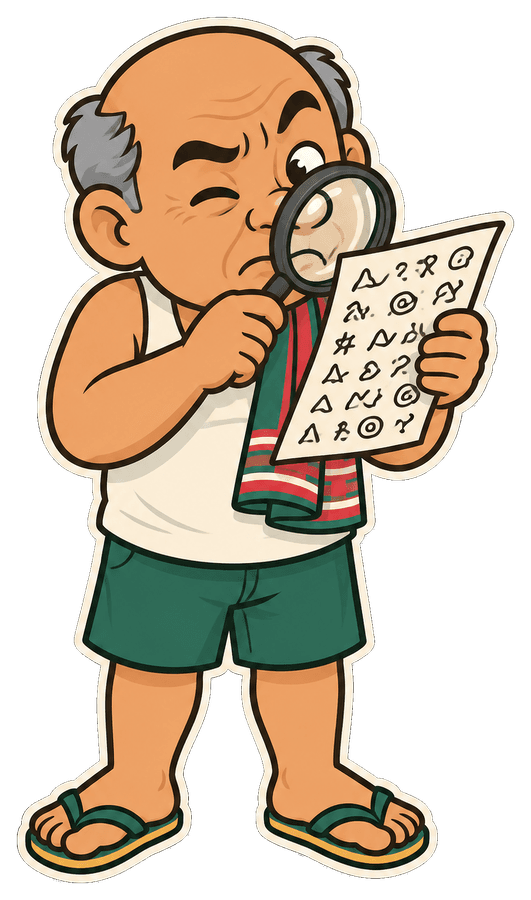
Uncle Lee squinting at scrambled ciphertext

Same crypto, every door

Every app runs the same AES-256-GCM code as the website and keeps the key in the link's # fragment. Apps sign in with a code you approve in your browser, and each one gets its own token you can cut off from your dashboard without touching the rest.