
How it works
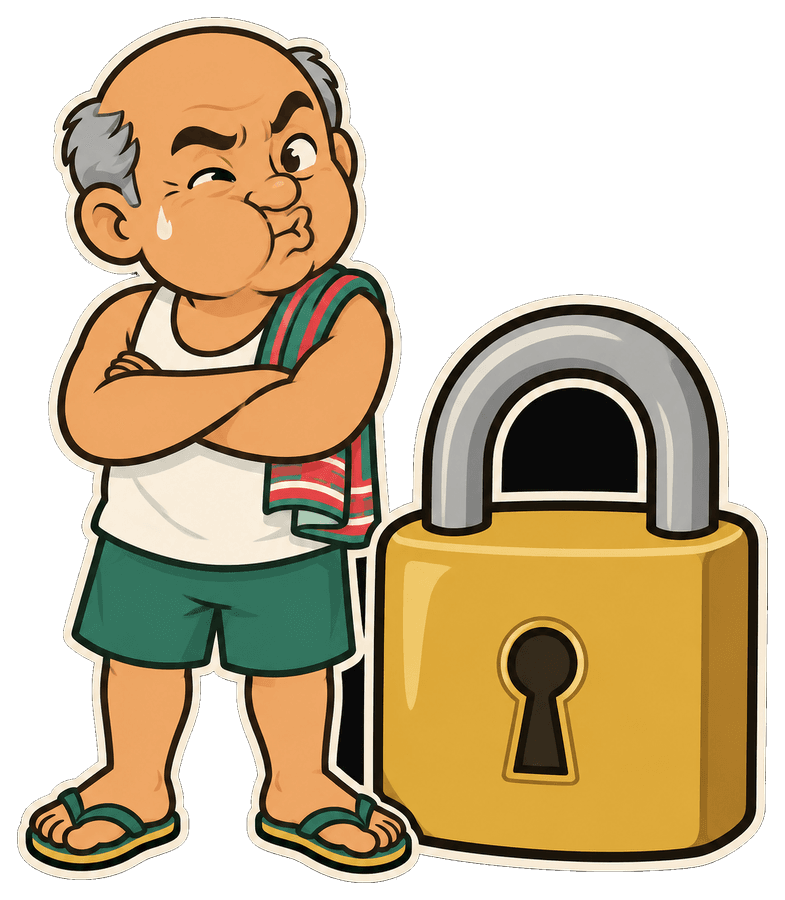
Uncle Lee can't peek.
Not “won't”. can't. He carries a locked box and never gets the key. Here's the whole trip, animated with real cryptography running in your browser, plus a lab where you can try to break it.
Step 1 of 7
You type a secret
It's sitting in your browser tab. Nothing has gone anywhere yet.
On the wire:nothing at all
Waiting… holding nothing.
Waiting for a link…
| 💻 You | 🏮 Uncle Lee | 📱 Recipient | |
|---|---|---|---|
| ✍️ The secret | ✓ has it | 🚫 never | not yet |
| 🔑 The key | not yet | 🚫 never | not yet |
| 📦 The locked box | not yet | not yet | not yet |
Step through all seven: Uncle Lee's column never gets the secret or the key. The only thing he ever touches is the locked box, and that gets deleted after it's read.
Why the # is magic
Everything after a # in a web address is called the fragment. Browsers keep it to themselves: it is used inside the page and stripped from every request the browser sends to a server. That's been the rule for decades (RFC 3986 §3.5) and every browser follows it.
So the key rides in the link you share, and when your recipient opens it, our server receives the locker number only. This is what our request log literally sees:
GET /s/pbZWsWojE1Gc018fh4dNd2 HTTP/2
host: secretl.ee
referer: (none, we send no-referrer)
↑ no #, no key. Ever.https://secretl.ee/s/pbZWsWojE1Gc018fh4dNd2#Ehdz7yQdHGVJecPFIt_DQyOdaGxlBBVxXzuhKeOqilE
Locker number. Sent to Uncle Lee so he can find your locked box. Useless on its own: the box is scrambled.
The key. Invented by your browser a moment ago. Browsers never send anything after the # to any server, so it is not in our logs, database, or anywhere else.

Want belt and braces? When you seal a secret, choose Link + key separately and send the two halves over different apps. Add a passphrase for a third lock that never travels in any link at all.
The lab
Don't trust us. Try to break it.
Seal a fake secret, search the box for it, then try to open the box like Uncle Lee would have to: without the key.
Runs the same code the real app uses (src/lib/crypto.ts) and makes zero network requests. Open DevTools → Network and watch it stay empty.
Quick mode vs signed in
We can't read what people send, so we can't moderate it either. Instead, anyone can send a small, short-lived, one-look secret without an account, and the heavier features need one. Same encryption either way.
| 🩴 Quick mode (no account) | 🏮 Signed in | |
|---|---|---|
| Encryption | Same: AES-256-GCM in your browser | Same: AES-256-GCM in your browser |
| Text secrets | Up to 6 KB | Up to 96 KB |
| Files | No | Up to 4 MB, name sealed too |
| Self-destruct | Within 1 hour | Up to 14 days |
| Views | Exactly 1 | Up to 10 |
| Passphrase & split link | ✓ | ✓ |
| Secret requests | No | ✓ |
| Dashboard, burn-now, audit | No | ✓ |
| Rate limit | 10/hour, 30/day per network | 300/hour per person |
Rate limits count a salted, daily-rotated hash of your IP address. We never store the IP itself.

What Uncle Lee can't save you from
- Whoever holds the full link holds the secret. If it's forwarded or leaked before your recipient opens it, the leaker can read it. With a one-view secret you'd at least find out: your recipient gets an empty box. Split delivery or a passphrase closes this gap.
- A compromised device. Malware on the sender's or recipient's computer sees what they see.
- The recipient. Once they've read it, they can copy or screenshot it. Burn-after-reading protects the link, not their memory.
- A tampered copy of this website. Any web-based encryption trusts the code it is served. We lock that down with a strict security policy and open code. The whitepaper explains how, and what's still on the to-do list.